Screenshot automation
Set up repeatable checks for pricing pages, docs, onboarding, checkout and client sites without rebuilding the same render request every time.
Practical guides on manual captures, scheduled checks, baselines and visual review.
RenderLog articles focus on practical website QA. Learn how to capture important pages, choose baselines, review visual diffs, use the API from CI and keep artifacts that explain what changed after a deploy or content update.
Set up repeatable checks for pricing pages, docs, onboarding, checkout and client sites without rebuilding the same render request every time.
Promote a good run as the accepted state, compare later results against it and review only meaningful differences before customers see them.
Use simple GET renders, safer POST requests, async jobs, labels and webhooks to connect visual checks with deploy pipelines and internal tools.

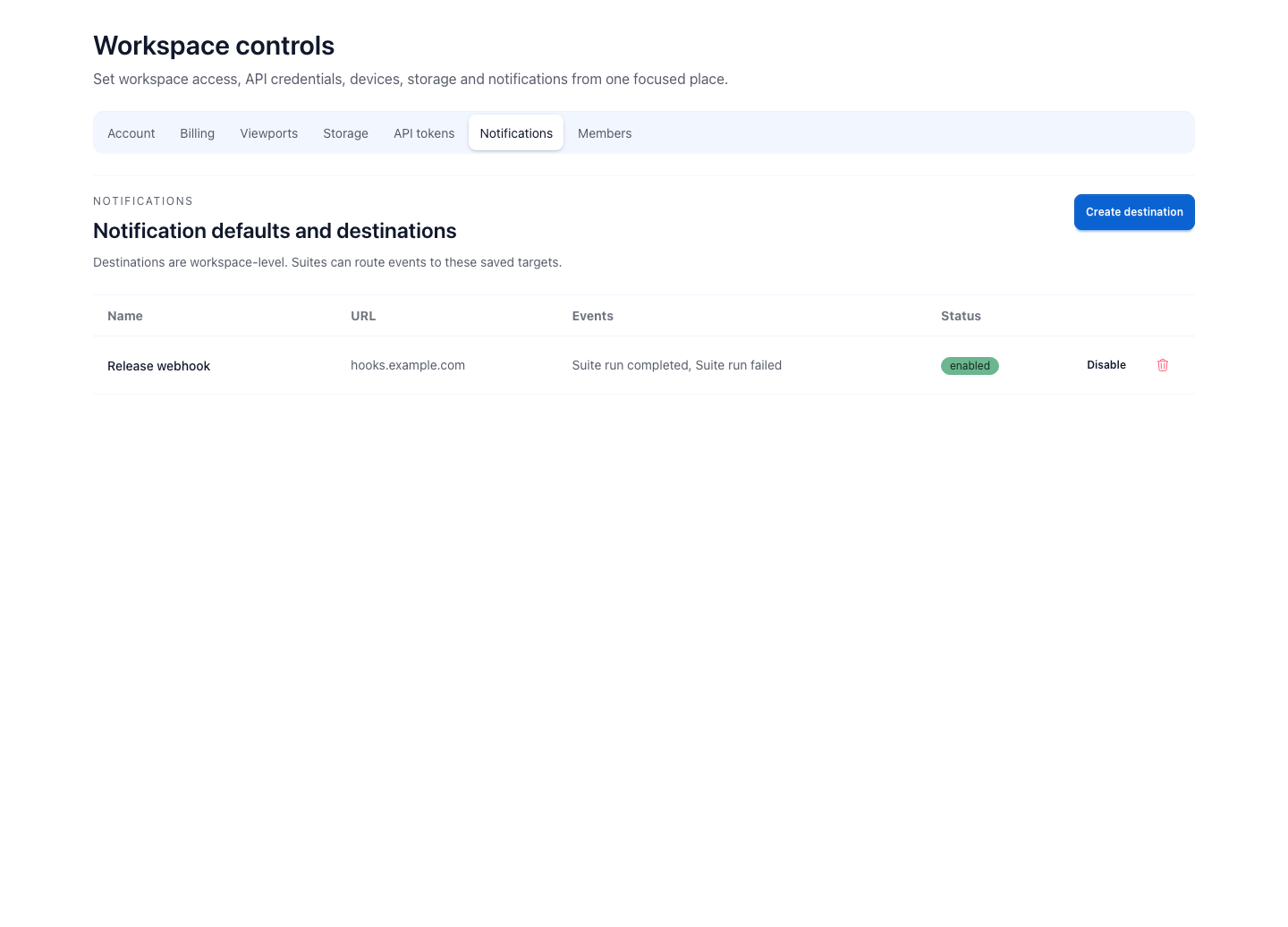
Teams can keep failure alerts fast and batch routine run summaries into one daily message.

Base history stays fast at 30 days. One-year retention unlocks longer ranges without exposing unsupported filters.

Failure rules help teams avoid paying attention to screenshots that clearly loaded the wrong page.

Use GET when a render URL should be easy to share. Use POST when the request carries sensitive or large data.

A run artifact only becomes useful review material when the team knows what is approved, what changed and who should react next.

A scheduled visual check is useful when the page already has an owner, a rhythm and a reason to be checked again.

Manual capture is the fastest path from a URL to a useful visual answer and often the right first step before automation.

RenderLog is built for teams that need proof when important pages change, not only a screenshot file.