Daily digests for routine web test and visual check results
Send urgent alerts right away and group routine run summaries into a daily digest when the team needs overview, not noise.
On this page
Use this when
- Immediate alerts for urgent failures and blocked states.
- Daily digest for routine successful or low-risk runs.
- No notification for experiments or intentionally unstable pages.
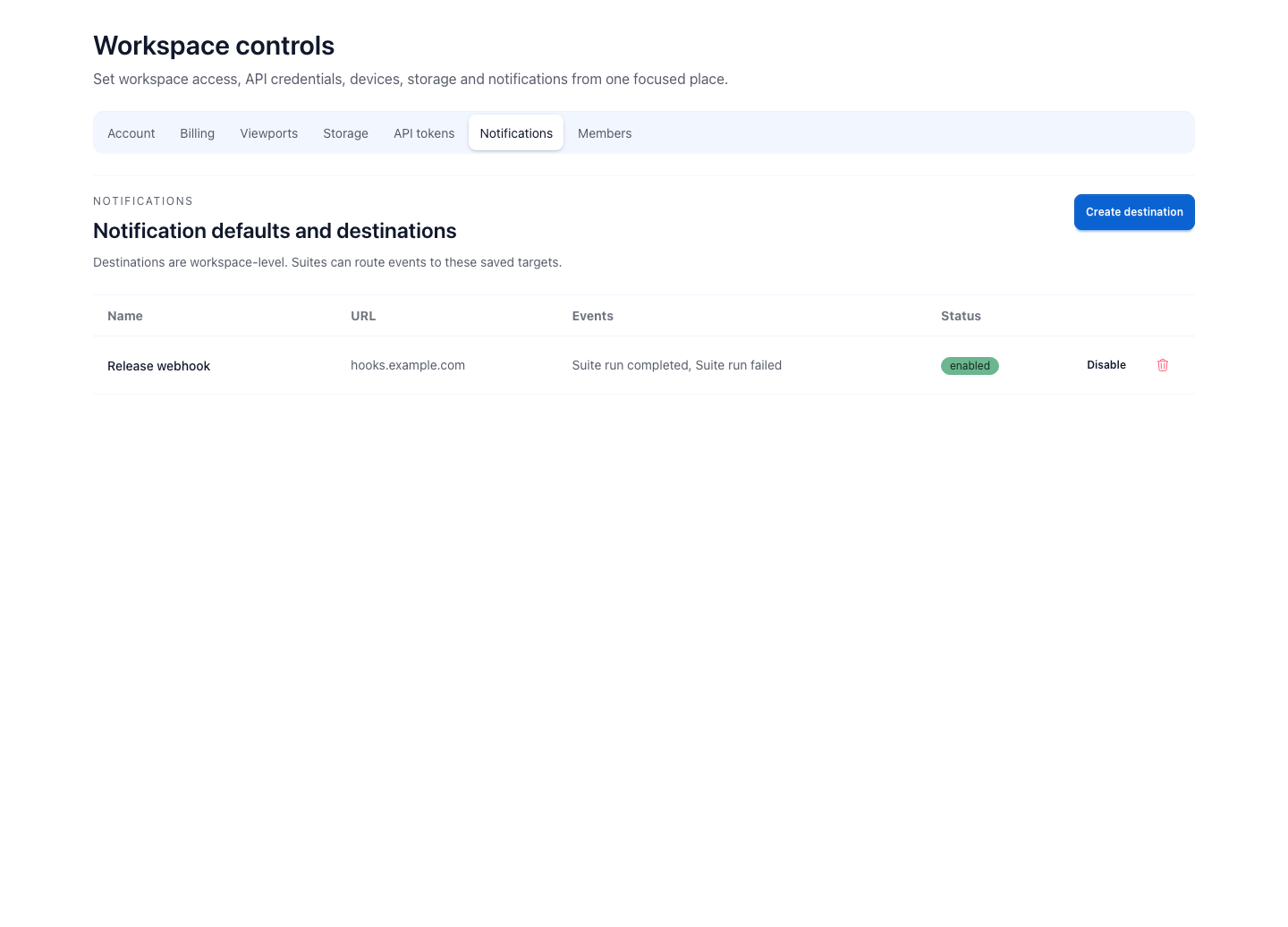
Not every page check deserves an interruption
Monitoring becomes noisy when every successful or low-risk run sends a message. Some checks deserve immediate attention - a failed release check, a missing selector, a login wall, or a critical baseline mismatch. Routine history usually does not.
That is why notification cadence matters as much as the destination. The same team may want instant alerts for broken checkout and a daily summary for stable pricing or docs checks.
How teams actually use digests
A marketing team may want one morning summary for landing pages and pricing pages. An agency may batch client-site checks before a weekly report. A product team may keep failed launch checks immediate while successful runs wait for a digest.
That pattern is more useful than a flat stream of notifications. The result stays visible, but the message format matches how the team actually decides.
Use alerts for action and digests for visibility
Send an immediate alert when a person should stop and inspect the run now. Use a digest when the team needs awareness, but the result can wait until the next review window.
That distinction keeps page monitoring useful. A failed checkout check deserves interruption. A stable homepage archive or weekly docs sweep usually belongs in a summary unless it breaks a baseline.
- Immediate alert: failed checkout, blocked sign-up, missing selector, critical baseline mismatch.
- Digest: stable scheduled runs, low-risk pages, recurring client review.
- No alert: ownerless checks or intentionally changing experiments.
- Revisit cadence when the team stops reading the messages.
Related links
Guide questions
When should a check send an immediate alert?
When is a daily digest better?
Ready to apply this on a real page?
Turn the next important page into a saved result, a reviewed baseline or a recurring check instead of leaving it as a one-off issue.