Failure rules for bad render results
Fail runs early when the page lands on a login wall, CAPTCHA, missing selector, or other wrong state instead of treating it as a clean result.
On this page
Use this when
- Login wall instead of the expected page.
- Challenge or CAPTCHA before the browser reaches content.
- Missing selector that proves the page did not load as expected.
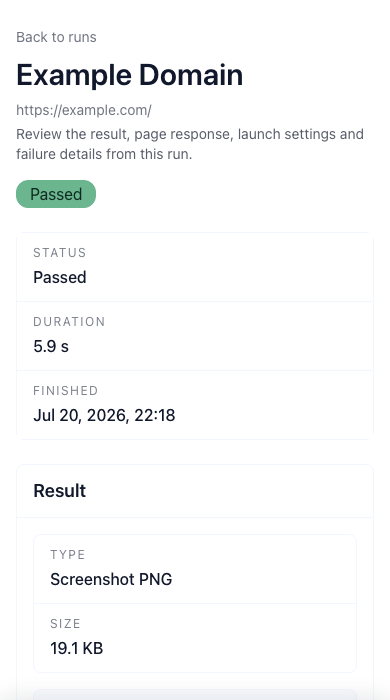
Bad runs should fail early instead of pretending to pass
A blocked page is not a successful page. If the run lands on a login wall, CAPTCHA, challenge screen, missing selector, or the wrong view entirely, the result should fail as a wrong state instead of drifting into normal history as if nothing happened.
That protects both visual baselines and assertion history. Otherwise a broken page can quietly become a new accepted result or trigger pointless review on a screenshot that never reached the real page state.
Where failure rules matter most
These rules matter most on pages where a clean screenshot can be misleading: checkout, sign-up, docs behind edge protections, localized pages, or flows that depend on cookies and waits.
The more context a page needs before it becomes reviewable, the more important it is to fail the run on wrong states instead of letting reviewers guess from the final image.
Related links
Guide questions
Why not just review the screenshot manually?
What should the first failure rules cover?
Ready to apply this on a real page?
Turn the next important page into a saved result, a reviewed baseline or a recurring check instead of leaving it as a one-off issue.