SEO tests and no-code autotests for public websites
Use RenderLog to monitor indexable pages, SEO-critical content, forms, and visual states before search traffic or conversions are affected.
On this page
Use this when
- Confirm that indexable pages still return 200 and are not blocked by robots tags.
- Check that canonical URLs, headings, and visible page copy match the intended page.
- Catch missing localized sections before they reach Google Search Console.
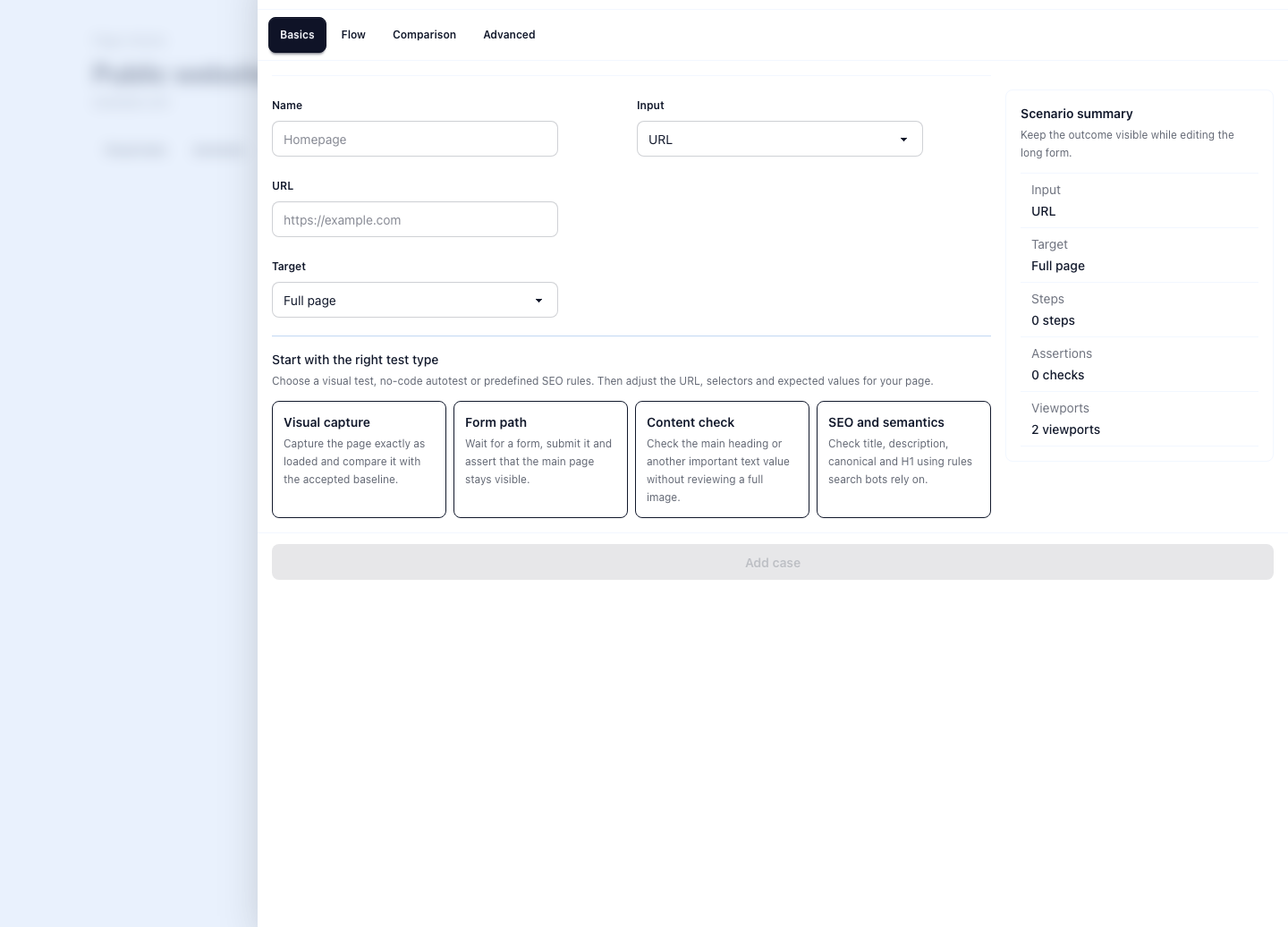
SEO tests need the rendered page, not only metadata
Most SEO checks stop at the obvious fields: title, description, canonical URL, robots tags, and status code. Those fields matter, but they do not show whether the rendered page still contains the pricing table, the localized heading, the FAQ section, or the call to action that search visitors need.
RenderLog fits this gap because it checks public pages after rendering. A team can keep a visual baseline, assert important text, and review the exact page state that a person would inspect before asking Google to crawl it again.
Where no-code autotests help public websites
No-code autotests are useful when a public page has a clear expected state and someone outside engineering owns the result. Product, marketing, support, and SEO teams usually care about the same pages, but they do not always want to maintain Playwright code.
Start with pages where a small change has a visible cost: pricing, signup, comparison pages, API docs, help pages, localized landing pages, and campaign pages. The test should answer a concrete question rather than promise broad coverage.
- Pricing: the plan names, price, billing period, and checkout link are visible.
- Signup: the form fields, consent text, and success state still render.
- Docs: the API example, version note, and page heading are present.
- SEO pages: the title, H1, FAQ, internal links, and canonical route stay stable.
Combine visual checks with text assertions
A screenshot diff is good at showing layout drift, missing sections, and broken responsive states. Text assertions are better when the risk is a specific value: a price, a product name, a legal phrase, a schema-backed FAQ question, or a localized keyword that must stay on the page.
The strongest workflow uses both. Visual comparison tells the reviewer what changed. Assertions make critical content explicit and reduce the chance that a quiet template change removes the words that make the page useful.
- Use visual baselines for page structure, spacing, and responsive layout.
- Use text checks for titles, headings, prices, forms, and FAQ copy.
- Use failure rules to turn known bad states into clear alerts.
- Approve intentional changes from the run so the expected state stays current.
A practical SEO monitoring workflow
A practical workflow starts before publishing. Capture the new page, check the canonical route, inspect the visible content, and confirm that internal links point to the next useful page. After publishing, keep the same page in a scheduled check so template updates, translations, and CMS edits do not silently break it.
This does not replace Google Search Console. Search Console shows how Google discovered and indexed the URL. RenderLog helps keep the page itself healthy before and after that happens.
- Before launch: capture the page and verify the visible content.
- After launch: submit the sitemap and watch the page in Search Console.
- On schedule: rerun checks for pricing, docs, blog, and localized pages.
- After edits: approve the new visual baseline or expected text only when the change is intentional.
Related links
Guide questions
Can RenderLog replace Google Search Console?
What should the first SEO test check?
Ready to apply this on a real page?
Turn the next important page into a saved result, a reviewed baseline or a recurring check instead of leaving it as a one-off issue.