Cypress is good at creating the application state that a screenshot should represent. It can visit a route, intercept an unstable response, set a viewport and assert that a user-visible element is ready. The screenshot command then records that state. Comparison, baseline storage and approval come from a plugin, a hosted service or a separate review system, so those choices should be explicit in the test design.
This guide follows one pricing-page check from local development to CI. It focuses on the decisions that prevent false failures: what data is fixed, when the page is ready, where the baseline lives and who can approve a change. It also explains when RenderLog is a better complement than another Cypress plugin for public pages reviewed by product, marketing, operations or a client.
Decide what Cypress owns before choosing a comparison tool
Keep the workflow in Cypress when the test must log in, seed records, intercept APIs or exercise a component before capture. That proximity to application code is valuable: a failure can block a pull request and the engineer can reproduce the exact state locally. Write the state in plain terms first, including route, viewport, user, locale, color scheme, test data and the element that proves rendering has completed.
Do not assume that installing a screenshot plugin creates a review process. Decide whether baseline images belong in Git, an artifact store or a hosted dashboard. Define who approves a new image and whether that approval is traceable. If nobody owns those decisions, the suite will gradually accept arbitrary updates or accumulate ignored failures, even when the pixel comparison itself is technically accurate.
- Use Cypress for states that need fixtures, intercepts or user flows.
- Name the viewport, locale, theme and account state in the check.
- Choose baseline storage and approval ownership before the first run.
- Keep scheduled public-page monitoring separate when it has another owner.
Make the page deterministic before taking a screenshot
A pricing page may contain a current date, regional currency, remote plan data, web fonts, a chat launcher and a rotating testimonial. Fix only the variables that are unrelated to the assertion. Intercept the pricing response if the layout is under test, set the browser timezone and locale and disable product animations through a supported test setting. Preserve real content when the content itself is the risk you intend to review.
Wait for a visible condition rather than adding a fixed delay. Assert that the heading and expected plan cards exist, and wait for any known application-ready signal. Cypress automatically retries many commands, which is more reliable than sleeping for an estimated duration. A missing card should fail as a missing card before the screenshot step, giving the reviewer a useful cause instead of a large and ambiguous image difference.
- Intercept unstable data only when its values are outside the test's purpose.
- Set viewport, timezone, locale and color scheme consistently.
- Use retryable assertions as readiness checks.
- Mask or hide the smallest possible unrelated dynamic region.
Approve a known-good baseline instead of trusting the first image
Run the test once, then inspect the complete image before promoting it. Confirm that fonts loaded, the consent banner is in the intended state, data is present and no support widget covers a call to action. The first successful capture is merely a candidate. A baseline becomes useful only after someone confirms that it represents the product state the team wants to preserve.
When an intentional design change arrives, update the affected images from reviewed results rather than regenerating the full suite. Keep the old and new evidence visible in the pull request or review system. Broad snapshot update commands are convenient, but they can approve a missing section along with the intended color change. Small, named approvals keep visual coverage connected to an actual product decision.
- Inspect every first-run baseline candidate at full size.
- Update only images affected by an intentional change.
- Retain the baseline, current capture and diff for failed CI runs.
- Record the reviewer or pull request that accepted the new state.
Tune comparison rules from evidence, not frustration
Start with the strictest practical comparison on one pinned browser and runner. If glyph edges differ between local and CI, align fonts, browser versions and operating-system images before increasing tolerance. If one video thumbnail changes on every run, replace or narrowly exclude that region. A large global threshold can hide a displaced button elsewhere on the page, so it is a poor substitute for stable inputs.
Review both the diff and the images that produced it. A percentage alone cannot explain whether changed pixels are harmless anti-aliasing or a missing purchase control. Prefer component screenshots where a small region needs its own rule, and full-page captures where page composition matters. Document any threshold beside the check so a future maintainer understands what variation it was designed to absorb.
- Pin the runner before measuring normal rendering variation.
- Investigate where changed pixels appear before raising tolerance.
- Use component captures for components with distinct comparison needs.
- Treat the changed-pixel ratio as triage, not a product verdict.
Make a failed CI run diagnosable
Upload the baseline, actual screenshot, visual diff and Cypress logs from every failure. Keep filenames tied to the spec, browser and viewport. A reviewer should be able to distinguish a visual product change from a page that never loaded without rerunning the job. If the comparison library creates an HTML report, retain it for long enough to cover the team's normal review cycle.
Classify failures before updating anything. A readiness timeout is a test or environment failure. A stable page with an unexpected missing card is a product difference. A reviewed redesign is an expected change and may receive a new baseline. Repeated font noise indicates environment drift. This simple classification prevents the common habit of accepting screenshots until the red build disappears.
- Retain baseline, actual, diff, logs and the relevant test report.
- Include browser and viewport in artifact names or metadata.
- Separate run failures from completed comparisons.
- Require review before promoting an expected visual change.
Use RenderLog for pages that need shared or scheduled review
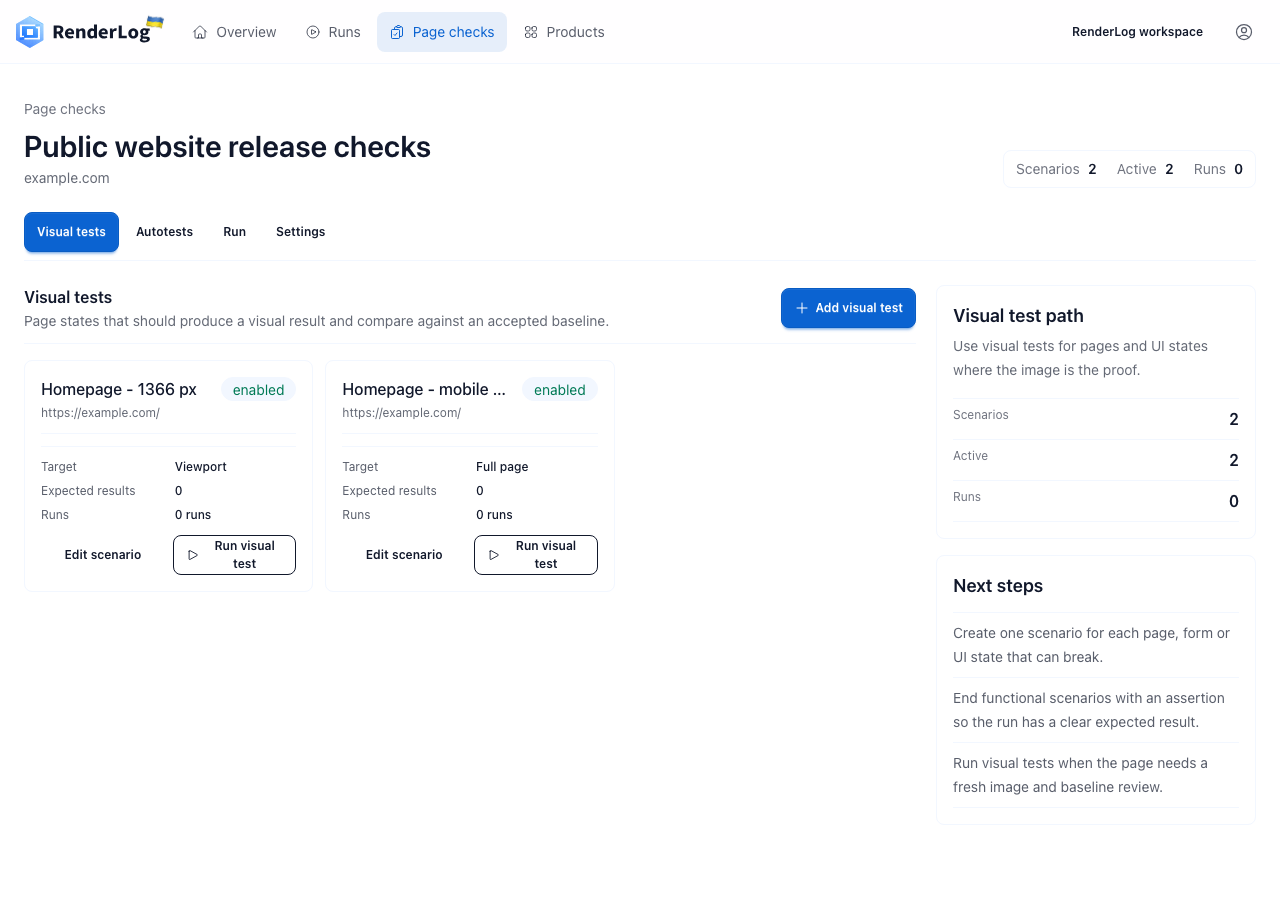
Repository checks are the natural fit for visual assertions that should gate code. A public pricing page, customer site or campaign page may need a different cadence and owner. RenderLog can save that page as a check, run it on a schedule or through the API and keep the approved baseline, current result, diff and history in a review surface that does not require access to Cypress CI.
Do not duplicate every Cypress test. Choose pages where release-gating and ongoing monitoring are genuinely different jobs. Cypress might cover a seeded checkout state before merge while RenderLog watches the production pricing page each morning. Connect both to named decisions: an engineer fixes a failed repository state, while a product or operations owner reviews a public-page change and approves the next baseline.
- Keep merge-blocking application states in Cypress.
- Move scheduled public-page review to a shared monitoring surface.
- Avoid duplicating the same state without a distinct owner or action.
- Use the RenderLog API when another system should start and retrieve runs.
Cypress plugin, screenshot API or RenderLog?
All three can participate in screenshot work, but they solve different ownership and review problems. Choose by the action required after a difference, not by the capture feature alone.
| Decision | Cypress comparison | Screenshot API | RenderLog |
|---|---|---|---|
| Best fit | Code-owned user state and merge gate | An application only needs an image | Repeated page review with shared ownership |
| State control | Fixtures, intercepts, commands and assertions | Request options and caller logic | Saved checks, scenarios, schedules and API runs |
| Baseline review | Git, CI artifacts or plugin service | Must be built by the caller | Baseline, current image, diff and history together |
| Typical owner | Engineering and code review | The calling product team | Engineering, product, operations, agency or client |
A minimal Cypress visual comparison workflow
The snippets show where state control, comparison and CI evidence belong. Adapt the plugin commands to the comparison library you select, because Cypress itself captures screenshots but does not perform image comparison.
cypress.config.ts
import { defineConfig } from "cypress";

export default defineConfig({
  viewportWidth: 1366,
  viewportHeight: 768,
  video: false,
  e2e: {
    baseUrl: "http://127.0.0.1:3000"
  }
});
cypress/e2e/pricing.cy.ts
describe("pricing page", () => {
  it("matches the approved desktop state", () => {
    cy.intercept("GET", "/api/prices", { fixture: "prices.json" }).as("prices");
    cy.visit("/pricing");
    cy.wait("@prices");
    cy.contains("h1", "Pricing").should("be.visible");
    cy.get("[data-testid=plan-grid]").compareSnapshot("pricing-desktop");
  });
});
CI artifact handoff
npx cypress run --browser chrome
# Upload cypress/screenshots/ and the visual plugin's diff output on failure.
# Keep scheduled public-page review in RenderLog when it has a non-code owner.
Primary references used in this guide
Cypress commands and configuration change over time. Check the official documentation for current API details and use this guide for workflow, ownership and review decisions.
Continue with the right visual testing layer
Visual regression testing guide
Design baselines, thresholds and review ownership before expanding coverage.
Playwright visual testing
Compare the repository workflow built around Playwright screenshot assertions.
Selenium visual testing
Add visual evidence to an existing Selenium suite or browser grid.
Website screenshot API
Create immediate or saved page captures and retrieve result artifacts.
Compare visual regression tools
Match component, repository and shared-review products to the job.
Monitor one production page outside the test suite
Keep Cypress responsible for code-owned states, then save one public pricing, signup or campaign page in RenderLog when another person needs scheduled evidence and an understandable approval history.
Create a RenderLog workspace