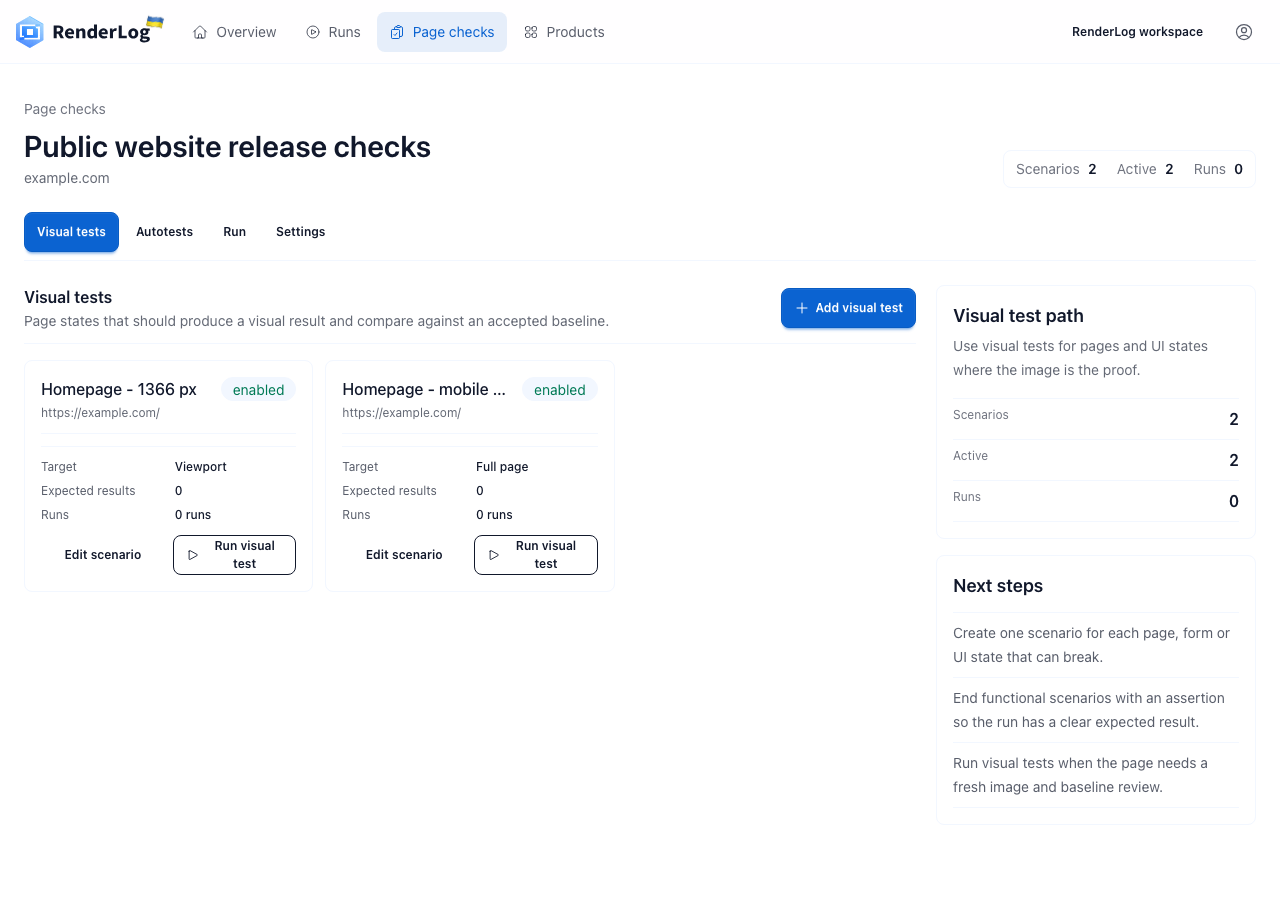
A screenshot becomes a test only when the team can explain which state it represents, how that state is reproduced and who decides whether a difference is acceptable. Saving yesterday's image and subtracting it from today's image is easy. Keeping both captures comparable is the actual engineering and review work.
This guide uses a pricing page as the running example because it mixes layout, live data, copy and business risk. The same method applies to checkout, signup, documentation, account settings and customer-facing dashboards. It also explains where repository tests such as Playwright, capture APIs and RenderLog fit instead of treating them as interchangeable products.
Start with a reproducible page state, not a screenshot count
Write down the state before choosing a tool. For a pricing page that might mean a 1440 by 1000 viewport, light mode, English, UTC, an authenticated or anonymous session and a fixed response from the pricing endpoint. The page is ready only after the main heading and plan cards are visible. A capture taken before those conditions settle is not evidence of the same state.
Dynamic regions need an explicit decision. Freeze a date or price when it matters to the assertion. Mask a chat launcher when it is unrelated to the page. Wait for a chart when it is part of the result. Do not hide the entire card because one timestamp changes. Every mask removes review coverage, so it should be narrow, named and easy to find in the test or saved check.
- Fix viewport, locale, timezone, color scheme and authentication state.
- Wait for a user-visible readiness signal instead of an arbitrary delay.
- Stub unstable data only when the data itself is not under review.
- Record masks and ignored regions as part of the check definition.
A baseline is an approved decision, not merely the first run
The first successful capture may still contain a broken font, an empty price or a consent banner that covers the call to action. A person should inspect the whole result before it becomes the baseline. The approval should keep the capture, viewport, page state and reason together. Otherwise the team cannot tell whether a later update reflects a deliberate design change or an accidental change in the environment.
When the product changes on purpose, approve the new state from the reviewed result. Do not regenerate every baseline blindly after a release. A broad update command is fast, but it can certify the very regression the test was meant to catch. Review changed pages in small groups and keep the previous result in history so the decision remains traceable.
- Inspect the first capture before approving it.
- Store the baseline with viewport and page-state metadata.
- Promote a new baseline from a reviewed result.
- Keep the previous approved state available after promotion.
Use thresholds to absorb rendering variation, not product change
A threshold answers how much low-level image variation the comparison may tolerate. It should not answer whether a larger business change is acceptable. Small anti-aliasing differences around text can be harmless. A missing price card, shifted form label or invisible button is not harmless even if it occupies a modest share of a full-page image.
Begin strict on a stable browser and runner. Inspect the first failures before raising the limit. If all differences sit around glyph edges, align fonts and browser versions first. If a video thumbnail or rotating testimonial keeps failing, stabilize or narrowly mask that region. A global threshold large enough to ignore the component will also ignore unrelated defects elsewhere.
- Treat changed-pixel ratios as a triage signal, not a release decision.
- Prefer environment fixes over a higher global tolerance.
- Use element-level captures when one component needs a different policy.
- Fail visibly when the page never reaches the expected state.
Choose the test surface by who owns the result
A repository-native Playwright or Cypress test belongs close to the code. It can seed data, mock APIs and block a pull request. That is usually the right home for component and release-gating checks owned by engineers. Selenium remains useful where an existing suite or browser grid already carries the functional workflow and a screenshot is another artifact of the same run.
A capture API is enough when the output is the product: create a PNG, PDF or page image and deliver it somewhere else. RenderLog fits when the page itself needs an approved baseline, repeat runs, visible review, history and alerts that can be shared with product, marketing, operations or a client. The same team may use all three surfaces for different states without duplicating the same check everywhere.
- Keep component checks and merge gates in the repository.
- Use a screenshot API when another system owns comparison and review.
- Use a shared review surface for scheduled pages and cross-team ownership.
- Avoid running the same full-page check in every tool without a named owner.
Review failures by cause before updating anything
A useful failure answers three questions: what changed, whether the page completed and what evidence is available. Compare baseline, current image and diff at the same size. Then check page status, readiness signal, browser logs and any assertions. A blank current image with a timeout is a run failure. A complete page with a missing plan card is a product difference. Those outcomes should not be collapsed into the same red badge.
Classify recurring failures. Environment noise points to browser, font or data setup. Product differences need a reviewer. Expected changes need baseline approval. Broken checks need a new readiness condition or selector. The classification prevents a common failure pattern where the team keeps updating images until visual testing loses credibility and is disabled.
- Run failure: the page or capture did not complete.
- Environment difference: the state is not comparable.
- Unexpected product difference: investigate before approval.
- Expected product difference: approve with a recorded reason.
Build a small visual test set that someone will actually maintain
Start with three to five states whose failure has a clear owner: pricing, signup success, checkout summary, a critical documentation page and one representative mobile state. Run them on release or on a schedule that matches how the page changes. A hundred unowned screenshots create more noise than five checks tied to real decisions.
Review the set every quarter. Remove a check when nobody acts on its failures. Split a page when one unstable region hides an important stable region. Add a new state after a real defect or repeated manual review, not because another URL exists. Good coverage follows risk and ownership rather than sitemap size.
- Give every check an owner and a reason to exist.
- Cover one desktop and one mobile state only when both matter.
- Link failures to release, client or operational decisions.
- Delete checks whose results no longer change an action.
Which visual testing surface fits the job?
The tools overlap at capture time. The useful distinction is who controls the page state, where the result is reviewed and what must happen after a difference appears.
| Decision | Playwright, Cypress or Selenium | Screenshot API | RenderLog |
|---|---|---|---|
| Best owner | Engineering team and code review | Application that requests the image | Product, operations, agency or mixed team |
| Page-state control | Deep fixtures, mocks and scripted flows | Request options and caller logic | Saved checks, scenarios, schedules and API runs |
| Review | CI artifact or pull request | Built by the caller | Baseline, current result, diff and run history |
| Use it when | The check should gate code | Only the file is needed | The page needs repeated review and shared ownership |
Minimal examples for the three common stacks
These snippets show the capture point, not a complete production suite. Add deterministic data, artifact retention and a named review path before treating the first green run as coverage.
Playwright
import { test, expect } from "@playwright/test";

test("pricing page visual baseline", async ({ page }) => {
  await page.goto("https://example.com/pricing");
  await page.getByRole("heading", { name: "Pricing" }).waitFor();
  await expect(page).toHaveScreenshot("pricing-desktop.png", {
    animations: "disabled",
    fullPage: true
  });
});
Cypress
describe("pricing page", () => {
  it("matches the approved state", () => {
    cy.visit("https://example.com/pricing");
    cy.contains("h1", "Pricing").should("be.visible");
    cy.matchImageSnapshot("pricing-desktop");
  });
});
Selenium
await driver.get("https://example.com/pricing");
const screenshot = await driver.takeScreenshot();
await writeFile("artifacts/pricing-current.png", screenshot, "base64");
// Compare the current image with an approved baseline in the same viewport.
Primary references used in this guide
The API details below change over time. Use the official documentation when implementing a runner and keep this guide for the decisions around reproducibility, ownership and review.
Continue with a concrete workflow
Playwright visual testing
Stabilize the browser state, choose thresholds and keep useful artifacts in CI.
Screenshot API documentation
Create one-off or saved runs and retrieve their result artifacts.
Compare visual regression tools
Choose between component, repository and shared page-review products.
Review baselines and alerts
See how RenderLog stores review history and promotes an approved result.
Use one page that already has a real reviewer
Create a saved check for a pricing page, signup state or client page that somebody currently reviews by hand. Approve the first baseline only after the page state, viewport and data are repeatable.
Create a RenderLog workspace